
Create real Dynamics 365 demos in minutes, not hours
Generate realistic Dataverse data and product context, then use built-in tools to support Copilot and contact-center demos so your walkthrough behaves like a real system.
Prepare realistic environments
Seed believable records, packs, and table states before the walkthrough starts.
Reduce setup drag
Generate products, knowledge, and scenario content without repetitive manual entry.
Support broader showcase coverage
Handle multilingual and regional showcase prep without splitting content across ad hoc tools.
Core tools
Tools for faster, better demos
A focused set of tools to prepare stronger Dynamics 365 demos, reduce setup time, and make each walkthrough feel more real.
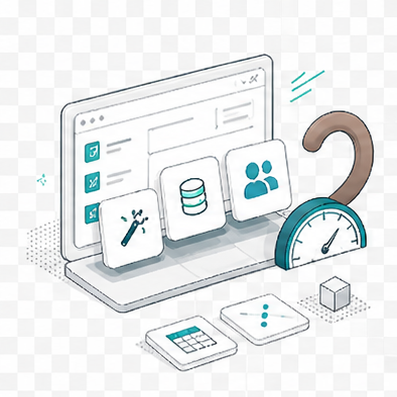
Dataverse
Prepare the data foundation first
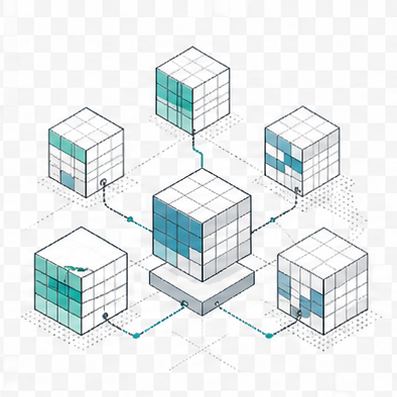
Build credible environments with realistic records, repeatable pack runs, and a cleaner path from empty tables to demo-ready data.
Products & KB
Shape the product story quickly
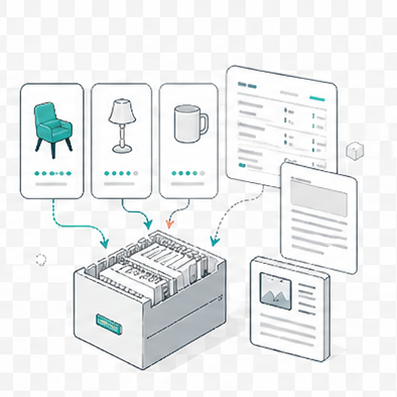
Generate product catalogs, price lists, knowledge articles, cases, and conversation assets without rebuilding the same showcase data by hand.
Copilot Studio
Refine the agent experience
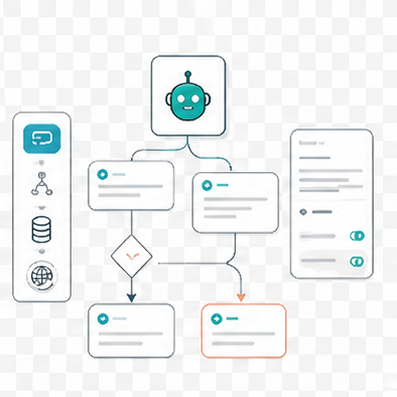
Review bots and topics, ask questions against selected content, and tighten conversational narratives before a live walkthrough.
Contact Center
Show the customer journey in motion
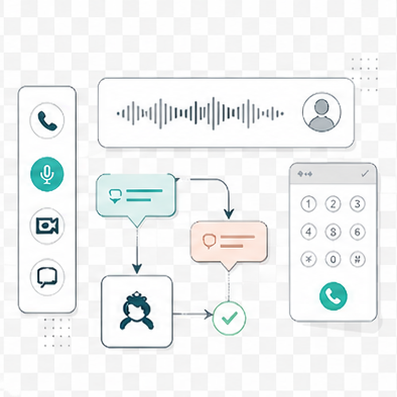
Visualize dialogs, simulate voice experiences, and stage softphone workflows that look closer to real contact-center operations.
Additional tools
Supporting tools for contact-center demos
These tools help demonstrate live chat journeys, embedded controls, and Copilot Studio integrations alongside the core product areas.
Live chat demo site
Contact Center Chat Demo
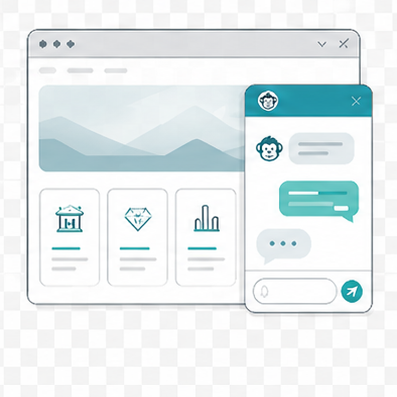
A customer-service chat demo website with customizable landing pages, industry-aware storytelling, and a modern embedded chat experience.
Open in new tabEmbedded tool simulations
Tool Playground
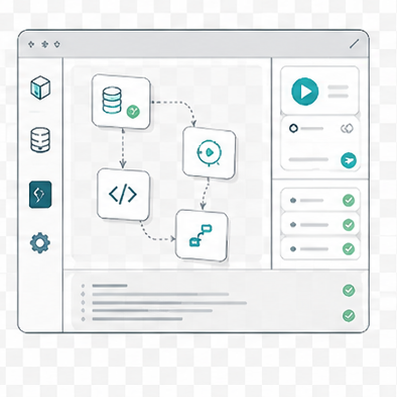
A playground for third-party tool simulations that mirror the embedded controls teams often demo inside Dynamics 365 Customer Service.
Open in new tabModern chat experience
Support Chat Demo
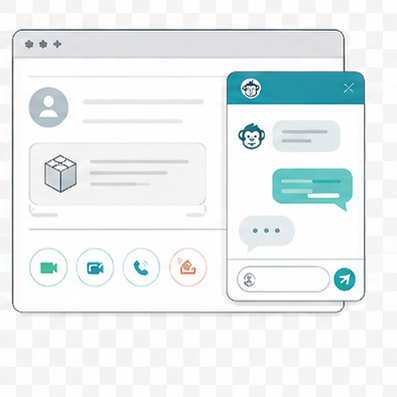
A public chat surface for demonstrating the Omnichannel web chat control and the customer-facing side of the support journey.
Open in new tabCopilot Studio tooling
Fake MCP Server
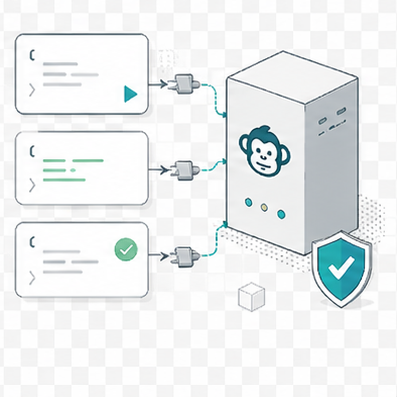
A fake MCP endpoint for Copilot Studio demos that simulates customer-service actions without connecting to real backend systems.
Open in new tab